
AI Product Description Generator for Shopify-Write Better, Sell More
What to Fix Before You Hit Publish What to Fix Before You Hit Publish
AI Product Description Generator for Shopify-What actually goes wrong with an AI product description generator for Shopify, and how to fix each problem.
You open ChatGPT, paste in “write a product description for a ceramic coffee dripper,” and get something decent back in ten seconds. Nice. Now do that for the other 299 products in your store. Somewhere around product forty, you stop reading what comes back and start copying whatever looks fine.
That’s usually the moment people start searching for an AI product description generator for Shopify. Not because they’re curious about AI, but because they’ve hit one of a few very specific walls. Supplier text that’s identical on twenty other sites. A catalog too big to write by hand. Or descriptions that technically exist but all read like they came off the same assembly line.
This guide is about those walls. What goes wrong when you generate product copy with AI, why it goes wrong, and what to do about it so the result is something a real shopper (and Google) finds useful.
The five problems people actually run into
1. Every description sounds the same
You know the style. “Elevate your everyday with our premium, thoughtfully crafted…” Read three of these in a row and your eyes slide right off the page. Shoppers do the same thing.
It happens because the tool only knows what you told it. Give it a product name and nothing else, and it fills the gaps with the safest, most average language it has. Average language is invisible.
What helps: feed it specifics. Material, dimensions, who it’s for, what problem it solves, one detail only your product has. Specific inputs are the single biggest lever you have. We’ll get to a full input list below.
2. It states things that aren’t true
This is the one that can actually hurt you. A generator might call a bag “waterproof” when it’s only water-resistant, invent a thread count, or say a supplement “supports immune health” when you’d never be allowed to claim that. It isn’t lying on purpose. It’s pattern-matching on what descriptions of similar products usually say.
What helps: give it real product data instead of letting it guess, and always read the claims. Materials, sizes, certifications, compatibility, anything medical or safety-related. If you only have time to review one thing, review that.
3. The copy-paste grind
Even a good prompt turns into a slog at catalog scale. Open product, copy details, paste into a chat window, copy the answer, paste it back into Shopify, fix the formatting, repeat. It’s not hard work. It’s just work that never ends, which is why a lot of stores abandon it halfway and end up with a mix of old and new descriptions.
What helps: use something connected to your store’s product data that can run in bulk, so you’re reviewing results instead of shuttling text between tabs.
4. A description isn’t the whole listing
People search for an “AI product description generator” and assume the description is the finish line. But the title tag, meta description, and image alt text are what search engines read first, and they’re usually the fields left blank or auto-filled. A beautiful description on a page with a generic title and no alt text is only doing a third of the job.
What helps: generate the whole set together, with one main keyword per product used naturally in each place. Not five keywords crammed into one sentence.
5. It doesn’t sound like your brand
A playful candle shop and a technical hiking-gear store shouldn’t sound alike. Out of the box, most generators write in the same neutral, upbeat register.
What helps: give it a sample of how you actually write (a good existing description, your About page, a product you’re proud of) and tell it what to avoid. Then hand-edit your top ten sellers. Those pages earn the most and deserve your voice.
What the difference looks like
Here’s a made-up example for a ceramic pour-over coffee dripper. First, what you tend to get from a one-line prompt:
Elevate your morning coffee ritual with our beautifully crafted ceramic dripper. Made with premium materials, this stylish accessory is the perfect addition to any kitchen.
Nothing in there is wrong, and nothing in there is useful. Now the same product after feeding in real details:
A hand-glazed stoneware dripper that fits standard #2 cone filters and sits steady on most mugs and carafes. The thick walls hold heat, so your first pour doesn’t cool off on contact. Dishwasher safe. Ships in recycled card, no plastic.
Same tool, different input. The second version answers the questions a buyer would actually ask: Will it fit my filters? Will it sit on my mug? Can I put it in the dishwasher?
What to give a generator (the input checklist)
Whatever tool you use, the quality of the output follows the quality of this list:
- What it is and who it’s for. “Trail running socks for people with narrow feet,” not “socks.”
- Real specs. Materials, dimensions, weight, capacity, with actual numbers.
- What’s in the box. This prevents a surprising number of “I thought it came with…” messages.
- The problem it solves. One or two sentences in plain words.
- One main keyword, plus a related phrase or two. Not a list of ten.
- A tone sample. A paragraph you wrote that sounds like you.
- Things not to say. Any claim you can’t legally or honestly make.
How to judge any AI description tool
Before you commit your whole catalog to one, ask:
- Can it work in bulk, or is it one product at a time?
- Can you review and edit before anything goes live? If it publishes straight to your store with no review step, be careful.
- Does it generate the other fields too: title, meta description, alt text, tags?
- Does it pull from your actual product data, or only from a prompt you type?
- Is there a free plan or trial, so you can test it on ten products you know well?
- How is usage priced? Credits and limits matter more once you’re past a few dozen products.
Test with products you can fact-check from memory. You’ll spot bad output quickly that way.
Will Google punish AI-written product pages?
Short answer: not for being AI-written. Google’s stated position is that it cares whether content is helpful, and it takes action against mass-produced pages made mainly to game rankings, however they were produced. The practical risk isn’t “an AI wrote it.” It’s thin, repetitive pages where fifty products carry near-identical text with only the name swapped. That’s a quality problem, and a human can cause it just as easily by recycling supplier copy.
So the standard to hold your pages to is simple: would a shopper learn something from this? If yes, you’re fine. Our Shopify SEO tips and Shopify SEO checklist cover what else should be in place around the copy itself.
Where Prodiify fits
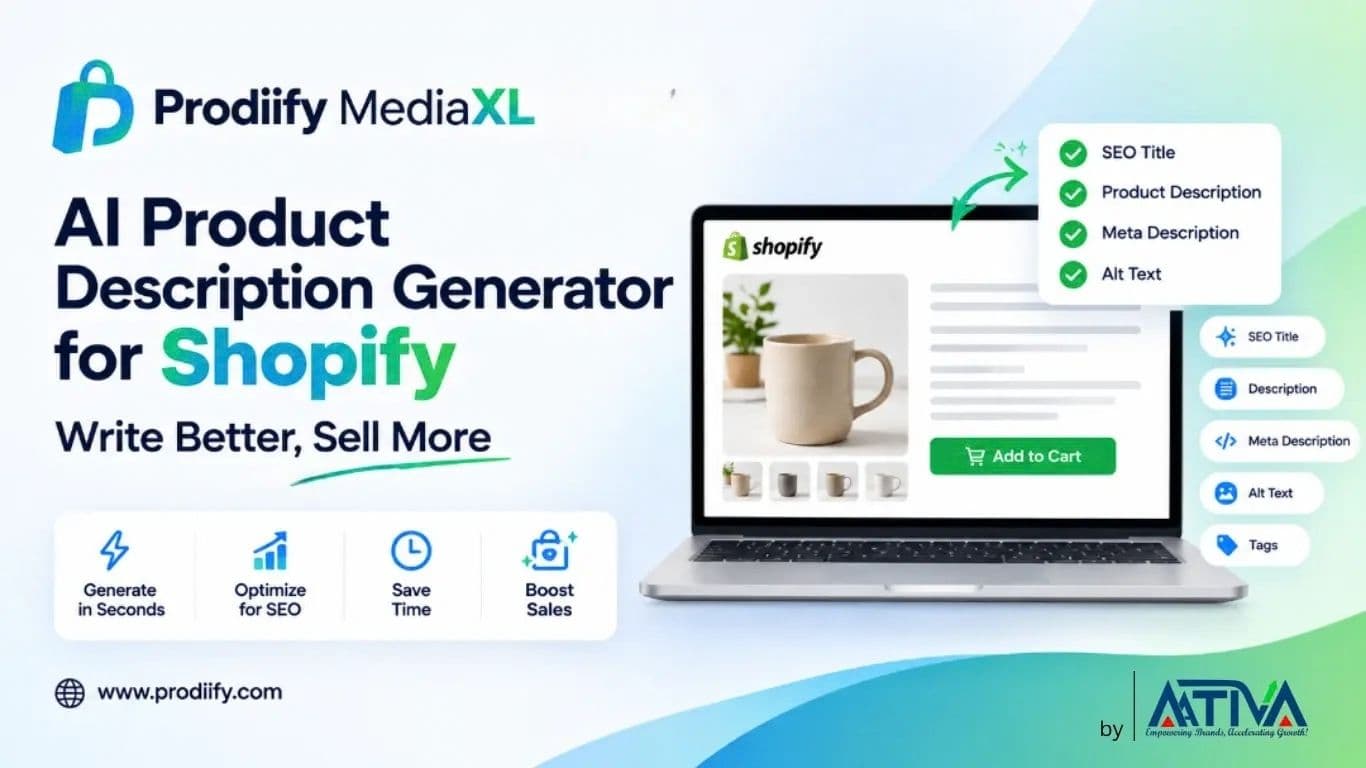
Prodiify was built around the five problems above. You connect your Shopify store, pick one product or a whole batch, and it generates the SEO title, description, tags, meta description and image alt text together, using your product data and the keywords you care about. You can edit anything or accept it as is, then publish. It also generates product images, and shows how many text and image credits you’ve used as you go.
It won’t replace your judgment. You still need to read the output, particularly on specs and claims. What it removes is the copy-paste loop and the blank-field problem, which is where most catalogs quietly fall apart. If you’re comparing options, our guide to AI SEO apps for Shopify stores lays out what to look for, and our basic guide to a Shopify product description generator covers the fundamentals. You can try Prodiify free on the Shopify App Store and run it on a handful of products first.
After the description: show it with Prodiify MediaXL
Good copy does one job. It tells people what the product is. But some things are simply faster to show than to say: how big it is next to a hand, what the texture looks like, three angles of the same item, a thirty-second clip of it being used.
That’s what Prodiify MediaXL is for. It adds drag-and-drop content blocks to your product pages: a hero banner, image and text, a feature list, a gallery, video and a carousel. No theme editing and no developer. It’s built for the same reason as the description generator, to close the gap between the product you know and the page a stranger sees. The free plan includes MediaXL content for up to 5 products, so you can try it on your best sellers first.
Pairing the two works well in practice. Let the generator handle the written layer across the whole catalog, then spend your own time adding visual blocks to the pages that matter most. We cover the thinking behind this in how enhanced product descriptions work on Shopify and in our post on Prodiify MediaXL.
A simple way to start this week
- Pick ten products, a mix of best sellers and ones you know are weak.
- Collect the real details for each (the checklist above).
- Generate the full set: title, description, meta description, alt text.
- Read every claim. Fix anything you can’t verify.
- Rewrite the top three by hand in your own voice.
- Publish, then check Search Console after a few weeks to see which pages gained impressions.
If those ten read better than what you had, roll it out in batches. If they don’t, you’ve lost an afternoon, not a catalog.
Conclusion-AI Product Description Generator for Shopify
An AI product description generator for Shopify is worth using when it solves a real problem: too many products, too little time, too many pages still carrying supplier text. It stops being worth it the moment you treat it as an autopilot. The stores that get good results give it specific inputs, check the facts, keep their voice on the pages that matter, and generate the title, meta and alt text along with the description.
Get those habits right and the tool does what it should: takes the repetitive work off your plate so you can spend your time on the parts of the store only you can do. And if you want to take product pages a step further, there’s more on that in our guide to getting your products found in ChatGPT and AI search.
Prodiify and Prodiify MediaXL by Ativa are both free to try on the Shopify App Store.
FAQs-AI Product Description Generator for Shopify
1.Is an AI product description generator good for Shopify SEO?
It can be, if the output is specific and unique to each product. It helps most when it also fills in the title tag, meta description and alt text, since those are the fields many stores leave empty. It does little for SEO if it produces near-identical text across your catalog.
2.Can I just use ChatGPT instead of a dedicated tool?
Yes, and it works well for a handful of products. The trade-off is time. You’re copying details in and pasting results back by hand, and it has no direct link to your Shopify catalog. A dedicated tool mainly saves you that repetitive work at scale.
3.Will Google penalize AI-generated product descriptions?
Google doesn’t penalize content simply for being AI-generated. It targets unhelpful, repetitive, mass-produced pages. Unique, accurate descriptions that help shoppers decide are judged on their usefulness, not on how they were written.
4.How long should a product description be?
Long enough to answer a buyer’s real questions, usually somewhere between 100 and 300 words for most products. Simple items can be shorter. Complex or high-priced items often need more, ideally broken up with short paragraphs or bullets.
5.Do I need to edit AI descriptions before publishing?
Yes. At minimum, check every factual claim: materials, sizes, compatibility, certifications and anything health or safety related. For your top-selling products, rewrite parts in your own voice.
6.Can I use it for variants and collections too?
Variants usually share one description with the variant details handled in options, so you don’t need a separate text for each. Collection pages benefit from their own short, unique intro, which is worth writing separately.