
How to Use Tags to Organize and Rank Shopify Products
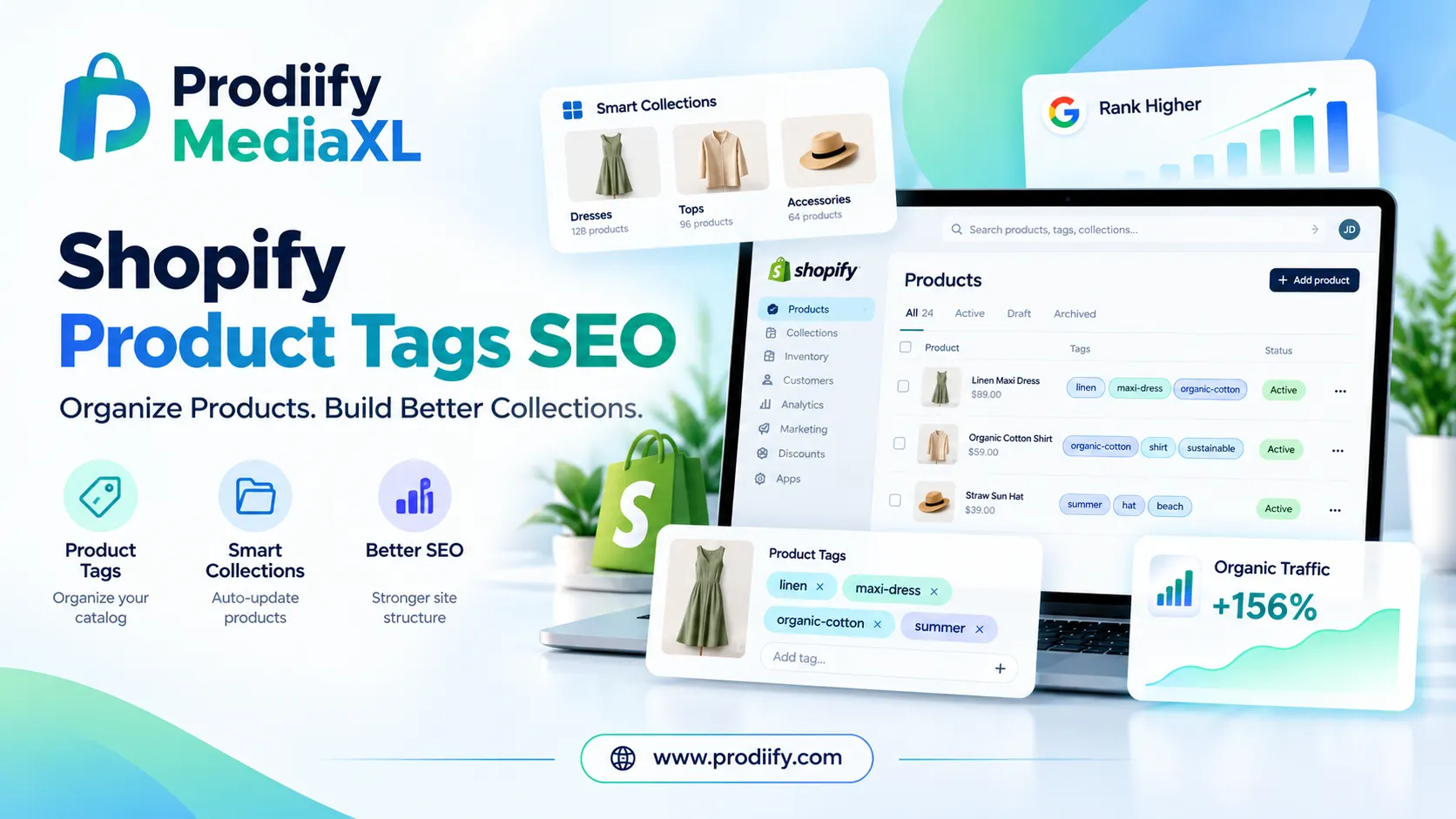
Shopify Product Tags SEO: How to Use Tags to Organize and Rank Products
Shopify product tags SEO works indirectly, because tags are not a ranking factor on their own. Shopify’s own guidelines say search engines don’t use tags, so adding keywords to tags won’t push your products up Google. But tags still matter for SEO in an indirect way. They power automated collections, storefront filters and internal navigation, and those are the things that shape your site structure, your category pages and how easily shoppers (and search engines) find products. Used badly, the same tags can also create piles of thin, duplicate URLs.
This guide shows you how to use tags the right way: to organize your catalog, build automated (smart) collection pages that can actually rank, strengthen your site structure and internal links, and avoid the common tag problems that quietly hurt SEO.
What are Shopify product tags SEO?
Product tags are short labels you attach to a product. Shoppers usually never see them as plain text, but they work behind the scenes to group, filter and automate. Typical tags describe color, size, material, gender, season or product style.
Tags are often confused with other organizing tools in Shopify. Here is how they differ:
| Tool | Purpose | How many per product | Customer-facing page? |
|---|---|---|---|
| Tags | Flexible labels for filtering, automation and internal organization | Many (up to 250) | Only if used in a filter or collection condition |
| Product type | One broad category label | One | No |
| Collections | Curated groups of products | A product can be in many | Yes, with its own URL, title and meta description |
| Metafields | Structured product data (specs, materials, dimensions) | Many | No, unless your theme shows them |
The key takeaway: tags are the engine, and collections are the pages that face customers and Google.
Shopify product tags SEO: do tags actually help rankings?
The honest answer has two parts.
Directly: no. Shopify’s documentation states that search engines don’t use tags, so stuffing tags with keywords is wasted effort.
Indirectly: yes, in three ways.
- Automated collections. A collection with the condition “Product tag is equal to maxi-dress” fills itself automatically. Each collection has its own URL, title, description and meta tags, which is exactly the kind of page that can rank for category searches.
- Better navigation and internal linking. When products are tagged consistently, shoppers can filter quickly and reach the right product in fewer clicks. Better usability supports engagement, and a clean structure helps search engines understand how your catalog fits together.
- Cleaner catalog management. A disciplined tag system makes it easier to find gaps, spot duplicate products and keep collections up to date as your range changes.
The flip side is real too. When tags are used as storefront filters, Shopify can generate tag-based URLs that follow a pattern like /collections/collection-name/tag-name. These pages show nearly the same products as the parent collection and usually have no unique content. If you have hundreds of tags, you can end up with hundreds of low-value URLs, which can mean duplicate or thin content, wasted crawl budget and pages competing with your main collection for the same keywords.
So the goal is not “more tags.” The goal is a small, consistent set of tags that feed useful collections.
How to build a tagging system that helps SEO
Step 1: Decide what each tag is for
Before adding a single tag, decide its job. Most tags fall into one of two groups:
- Shopper-facing attributes: color, size, material, style, gender, occasion. These power filters and collections.
- Internal tags: supplier, season, campaign, “needs photos,” “reviewed.” These help your team and your automations, and should never become public pages.
Writing this down in a simple tag guide saves you from messy cleanup later, especially when several people add products.
Step 2: Use one naming format and stick to it
Shopify recommends using ordinary letters, numbers and hyphens in tags, and avoiding accented characters and special symbols. Special characters can behave unexpectedly in search and in automated collection conditions.
A simple convention that works for most stores:
- Lowercase everything: maxi-dress, not Maxi Dress
- Use hyphens between words: organic-cotton
- Singular or plural, pick one and keep it
- No abbreviations or internal codes shoppers wouldn’t recognize
Inconsistent versions like “Black,” “black” and “blk” clutter your tag list and can produce duplicate filter options and collections.
Step 3: Be specific, not generic
Tags like “new,” “sale” and “featured” are tempting but weak. They change constantly, they don’t describe the product, and any page they generate lacks a clear theme. If you need them for promotions, treat them as internal tags and keep them out of your public filters.
Specific tags describe what the product is and how shoppers search for it: maxi-dress, wedding-guest, linen, plus-size.
Step 4: Keep the count low
Shopify allows up to 250 tags per product, but that is a ceiling, not a target. Every extra tag adds one more possible filter combination. For most stores, a handful of well-chosen tags per product (roughly 5 to 15 is a sensible range) covers everything shoppers and your team need. If you find yourself reaching for 30 tags, your product probably needs better attributes, metafields or collections instead.
Step 5: Turn tags into automated collections
This is where tags earn their SEO value. To create a tag-based collection in Shopify:
- In your Shopify admin, go to Products → Collections and click Create collection.
- Enter a clear collection title, such as “Maxi Dresses.”
- Under Collection type, choose Automated.
- Add a condition: Product tag is equal to maxi-dress.
- Save the collection. Every product with that tag now appears automatically, and new products join as soon as they’re tagged.
Then do the part most stores skip: write a unique collection description, set a proper SEO title and meta description, and link to the collection from your navigation menu, homepage and related blog posts using descriptive anchor text. A collection with real content and a clear title is far more likely to rank than a bare filter page.
Step 6: Promote high-demand tags into real collection pages
If people search for a phrase like “organic cotton t-shirts” or “maxi dresses,” that phrase should be a collection page, not just a tag filter. Check Google Search Console or your keyword tool, find the tags that match real search demand, and build dedicated collections for them with unique content.
Step 7: Audit and clean up regularly
Over time, stores collect unused, duplicate and outdated tags. Once or twice a year:
- Export your products and review every unique tag
- Merge near-duplicates (black, Black, blk)
- Remove tags that no collection, filter or automation uses
- Delete outdated seasonal and campaign tags, or add the year so they’re easy to refresh
If an old tag URL was already indexed and you remove the tag, set up a redirect to the most relevant collection so you don’t leave dead ends.
How to fix tag-related SEO problems
If your store already has lots of tag pages in Google’s index, these are the main fixes.
1. Noindex low-value tag pages. A “noindex, follow” directive tells search engines not to index the page while still following its links. Many Shopify themes support this with a small snippet in the theme.liquid file, inside the head section:
{% if current_tags %}
  <meta name="robots" content="noindex, follow">
{% endif %}
Always duplicate your theme before editing code, and test on a few URLs afterward.
2. Be careful with robots.txt. Blocking crawl paths can save crawl budget, but blocking a URL that is already indexed can leave it stuck in the index because Google can’t see the noindex tag. Use noindex first, and only block crawling once those pages have dropped out.
3. Replace valuable tag pages with real collections. If a tag page targets a phrase people search for, turn it into a collection with unique content instead of noindexing it.
4. Delete tags you don’t need. The simplest fix is often just fewer tags.
Example: before and after
Take a black linen maxi dress.
Before (messy): Black, blk, NEW, sale, dress, maxidress, supplier-4421, Summer!!
After (clean): dress, maxi-dress, black, linen, summer-2026, wedding-guest
The cleaned-up set uses one format, describes the product accurately, drops codes and promo labels, and maps directly to automated collections like “Maxi Dresses,” “Linen Dresses” and “Wedding Guest Dresses.” The supplier code and promo labels can live in an internal tag system instead.
Speed up tagging with AI
Writing consistent tags for hundreds of products by hand is slow, and it’s where most naming mistakes creep in. Prodiify’s AI generates product tags along with titles, descriptions, meta titles, meta descriptions and image alt text, so your tags are based on what each product actually is. Review the suggestions against your naming convention (lowercase, hyphenated, specific), keep the ones that match your collections, and remove the rest.
You can try it on the free plan, which includes 20 AI text credits per month.
Shopify tags SEO checklist
- Tags have a clear purpose: shopper-facing or internal
- One naming format: lowercase, hyphens, no special characters
- Specific tags, not generic ones like “new” or “featured”
- A small number of tags per product
- Automated collections built from your key tags
- Each collection has a unique title, description and meta tags
- High-demand tags promoted to dedicated collection pages
- Low-value tag URLs set to noindex
- Tags audited and cleaned at least once or twice a year
FAQs- About shopify product tags SEO
1.Do Shopify tags help SEO?
Not directly. Search engines don’t use tags as a ranking signal. Tags help indirectly by powering collections, filters and clean site structure.
2.How many tags should a product have?
Shopify allows up to 250, but most products need only a handful. Fewer, well-chosen tags are easier to manage and create fewer extra URLs.
3.Can customers see my product tags?
It depends on your theme. Some themes show tags in filter menus or on product pages, so write them in a way that makes sense to shoppers.
4.Should I use tags or collections?
Both. Use tags to label products, and collections to create the pages shoppers and search engines visit. A tag-powered automated collection with unique content is usually the best combination.
5.Are tags or metafields better?
Tags are best for simple labels and automation. Metafields are better for structured data like dimensions or specifications. Many stores use both.
6.What is the best tag format for Shopify?
Use lowercase words separated by hyphens, such as maxi-dress or organic-cotton. Avoid accented characters and special symbols, and keep one spelling for each tag across your whole catalog.
7.Do Google and other search engines index tag pages?
They can. When tags are used as storefront filters, Shopify may create tag-based URLs that search engines crawl. Set low-value tag pages to noindex and send ranking power to dedicated collection pages instead.
Final thoughts
Shopify product tags SEO comes down to organization. Tags won’t rank your products by themselves, but they decide how well your catalog is organized and how good your collection pages can be. Keep them consistent, specific and few, turn the important ones into collections with real content, and clean them up regularly. Do that and your tags stop being clutter and start working for your SEO.