
How to Convert AI Traffic on Shopify: AI Sends the Shopper, Your Product Page Closes the Sale
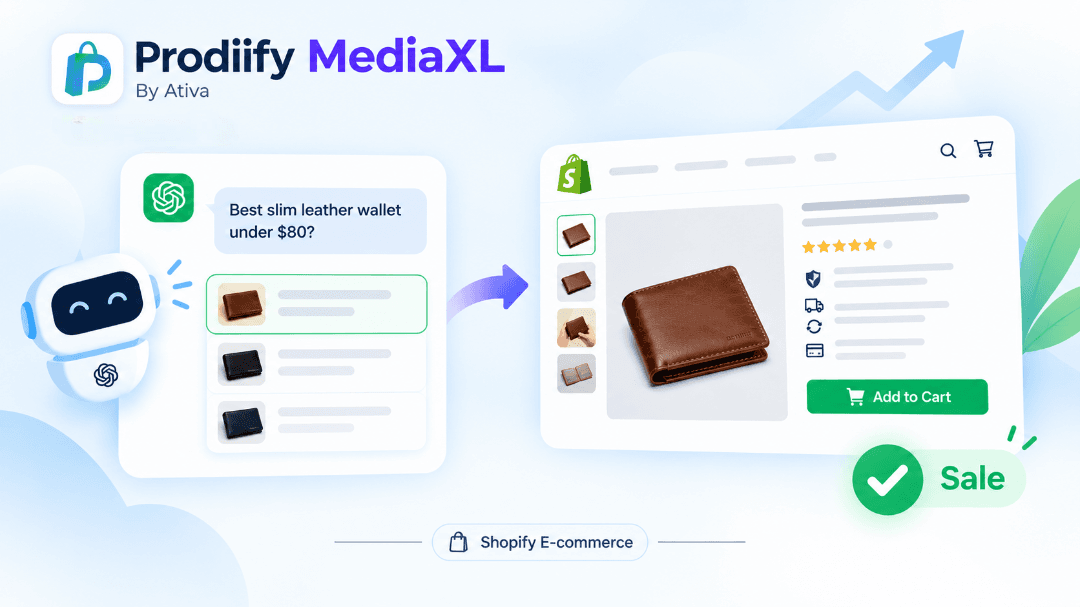
How to convert AI traffic on Shopify, what AI-referred shoppers expect, and 7 product page fixes to close the sale.
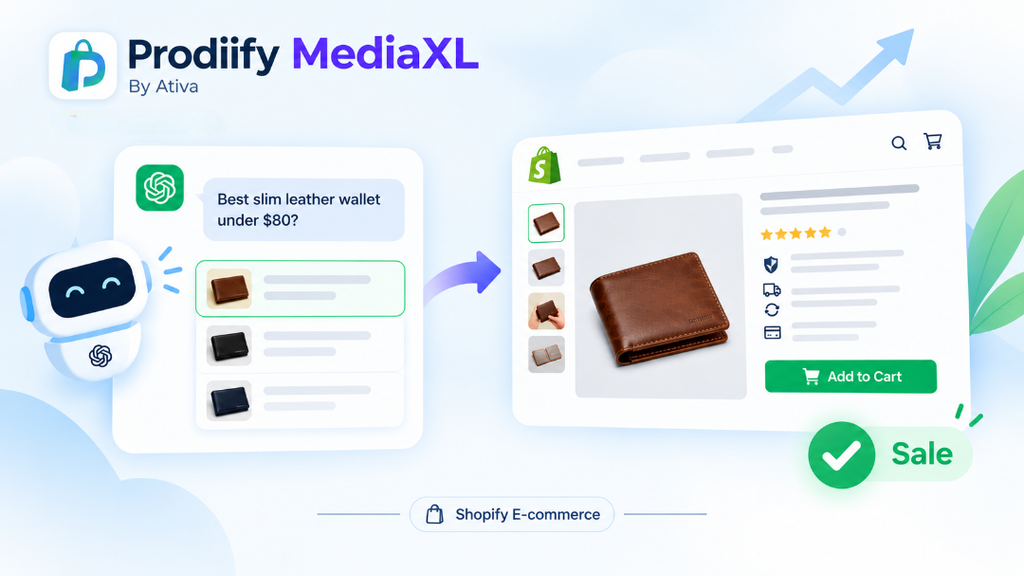
A shopper types a question into ChatGPT: “best slim leather wallet under $80.” A short list comes back. They click your store. Then what?
This is the part most merchants skip. Everyone is talking about how to get recommended by AI. Far fewer people talk about what happens in the ten seconds after the click. If you want to convert AI traffic on Shopify, you have to treat discovery and conversion as two separate jobs. AI does the first one. Your product page does the second.
This guide explains why AI-referred shoppers behave differently, what they expect when they land, and seven fixes that make your product page ready to close the sale.
Why AI Traffic Is Growing (And Why It Matters Now)
On Shopify’s Q1 2026 earnings call, the company said AI-driven traffic to Shopify stores grew 8x year over year, while orders from AI-powered searches rose nearly 13x. Orders growing faster than traffic is a useful signal: shoppers who arrive from AI tools tend to arrive with intent.
If you want the bigger picture, read our guide to Shopify agentic commerce.
With BFCM close, this matters even more. A product page that was “good enough” in a quiet month will leak sales when buyers show up with a specific question and a short attention span.
AI Discovery Is Step One. The Sale Still Happens on Your Page
AI assistants are good at narrowing options. They are not your checkout. In most cases today, the shopper still lands on the store’s own website to check the details, trust the brand and pay.
That gives you a simple way to think about it:
- AI discovery: your product is understood and mentioned.
- Product page: the shopper confirms the details and decides to buy.
If step one works and step two does not, you get traffic and no revenue. If you have not tested step one yet, start with our free test: how to check if ChatGPT recommends your products. To improve your chances of being included in the first place, read how to get your Shopify products in ChatGPT.
How AI-Referred Shoppers Behave Differently
A shopper who finds you through a generic Google search might browse around. A shopper who arrives from an AI answer usually has already:
- described exactly what they want (a use case, a budget, a material)
- seen a short list instead of ten pages of results
- been told, in a sentence or two, why your product fits
So when they land, they are not asking “what is this store?” They are asking, “Does this page confirm what the AI just told me?” If the page answers that fast, they buy. If it is vague, thin or contradicts the answer, they leave and go back to the list.
7 Fixes to Convert AI Traffic on Shopify
1. Make the title say what it is and who it is for
The first thing an AI-referred shopper reads should match the question they asked. “The Voyager” tells them nothing. “Slim Leather Travel Wallet for Men, RFID Blocking” does. Put the product type, the key attribute and the audience in the title.
2. Write out materials, sizes and specs
Shoppers (and AI tools) want facts they can check quickly: materials, dimensions, weight, compatibility, care instructions. Do not hide them inside an image. Put them in text on the page. Our guide to enhanced product descriptions on Shopify shows a clear format you can copy.
3. Add use cases and “good for” lines
AI prompts are full of situations: “gift for a dad,” “for a weekend trip,” “for sensitive skin.” Add short “good for” lines that mirror those situations. It helps AI tools understand the product, and it helps the shopper see themselves using it.
If you need help drafting these, try these ChatGPT prompts for Shopify product descriptions or a Shopify product description generator.
4. Show the product clearly, and add alt text to every image
Images carry a lot of the buying decision. Use clear photos from several angles, lifestyle shots and a size reference. Then write descriptive alt text for each one. It supports accessibility and gives search tools a text description of what the image shows.
5. Fill in your meta description
Your meta description will not rank you by itself, but it shapes what shows up in search results and previews. Write one that matches the real product, with the key attribute and a clear benefit. Skipping it leaves the wording up to whatever the platform guesses.
6. Build trust right on the page
A shopper who arrived through an AI answer still has to trust you. Put these where they are easy to see:
- reviews and ratings
- shipping times and costs
- return policy
- payment and security reassurance
If you sell on marketplaces too, our post on Shopify vs Amazon product pages shows where Shopify pages usually fall short on this.
7. Make the page rich, not flat
Plain text and a few photos can leave a page feeling thin. Richer layouts (a hero banner, image-and-text sections, feature lists, a gallery, video) help explain a product faster. See our guide to Shopify product page design, and learn more about A+ Content for Shopify.
Quick Product Page Checklist
Check your top three products against this list:
- Title says what it is and who it is for
- Materials, sizes and specs written out in text
- Use cases and “good for” lines added
- Alt text on every image
- Meta description filled in
- Reviews, shipping and returns visible
- Clear call to action above the fold
Missing two or more? Fix those products first. Start with your best sellers, since that is where an improvement pays off fastest.
Common Mistakes That Kill AI Traffic Conversions
- Vague titles and thin descriptions. The page does not confirm what the AI said.
- Specs buried in images. Shoppers cannot scan them and tools cannot read them.
- Keyword repetition instead of detail. Repeating a phrase adds no new information. See our post on keyword stuffing on Shopify.
- Ignoring the basics. Titles, meta content and a healthy site help every channel. Work through our Shopify SEO checklist and Shopify technical SEO checklist.
- Treating AI visibility as the finish line. Being mentioned is only half the job.
How Prodiify Helps You Do Both Jobs
AI discovery and conversion both depend on the same thing: clear, complete, specific product information.
Prodiify is built for both sides. The AI SEO app for Shopify stores helps you improve titles, descriptions, tags and alt text product by product, so your listings are easier for AI tools and search engines to understand. Prodiify MediaXL then adds drag-and-drop A+ Content blocks to your product pages, with no theme edits and no code, so the page is stronger once the shopper arrives.
If you want a ready-made format to follow, our guide to the AI product description generator for Shopify is a good place to start.
Your Action Plan Before BFCM
- Pick your top three products.
- Check each one against the seven fixes above.
- Improve titles, descriptions, alt text and meta descriptions first.
- Add richer content blocks to your best sellers.
- Run a few shopper-style prompts in a fresh ChatGPT session and see whether you appear.
- Repeat every few weeks and compare.
FAQs About How to Convert AI Traffic on Shopify
1. How do I convert AI traffic on Shopify?
Make sure the product page confirms what the shopper just read in the AI answer: a clear title, written-out specs, use cases, good images with alt text, visible trust signals and a filled-in meta description.
2. Does AI traffic convert better than other traffic?
Shopify reported that orders from AI-powered searches grew faster than AI traffic itself, which suggests these shoppers arrive with strong intent. Results still depend on your store, your category and how complete your product pages are.
3. Do shoppers buy inside ChatGPT or on my store?
In most cases today, the shopper still goes to the store’s own website to review details and complete the purchase. That is why your product page still matters. This area is changing fast, so keep an eye on platform updates.
4. What should I fix first on my product pages?
Start with your top three best sellers. Fix titles, specs, use cases, alt text and meta descriptions before anything else.
5. Can I guarantee AI tools will recommend my products?
No. Platforms apply their own logic and nobody can promise a recommendation. Clear, accurate and complete product information improves your chances of being understood and considered.
Conclusion: AI Sends the Shopper, Your Product Page Closes the Sale
AI discovery is a real opportunity, but it is only the first half of the journey. To convert AI traffic on Shopify, make your product pages clear, specific and trustworthy, so the shopper who arrives finds exactly what the AI promised.
Fix your top three products before BFCM, then test again.