
AI Product Image Generator: Why Great Product Images Are Really a Product Management Problem
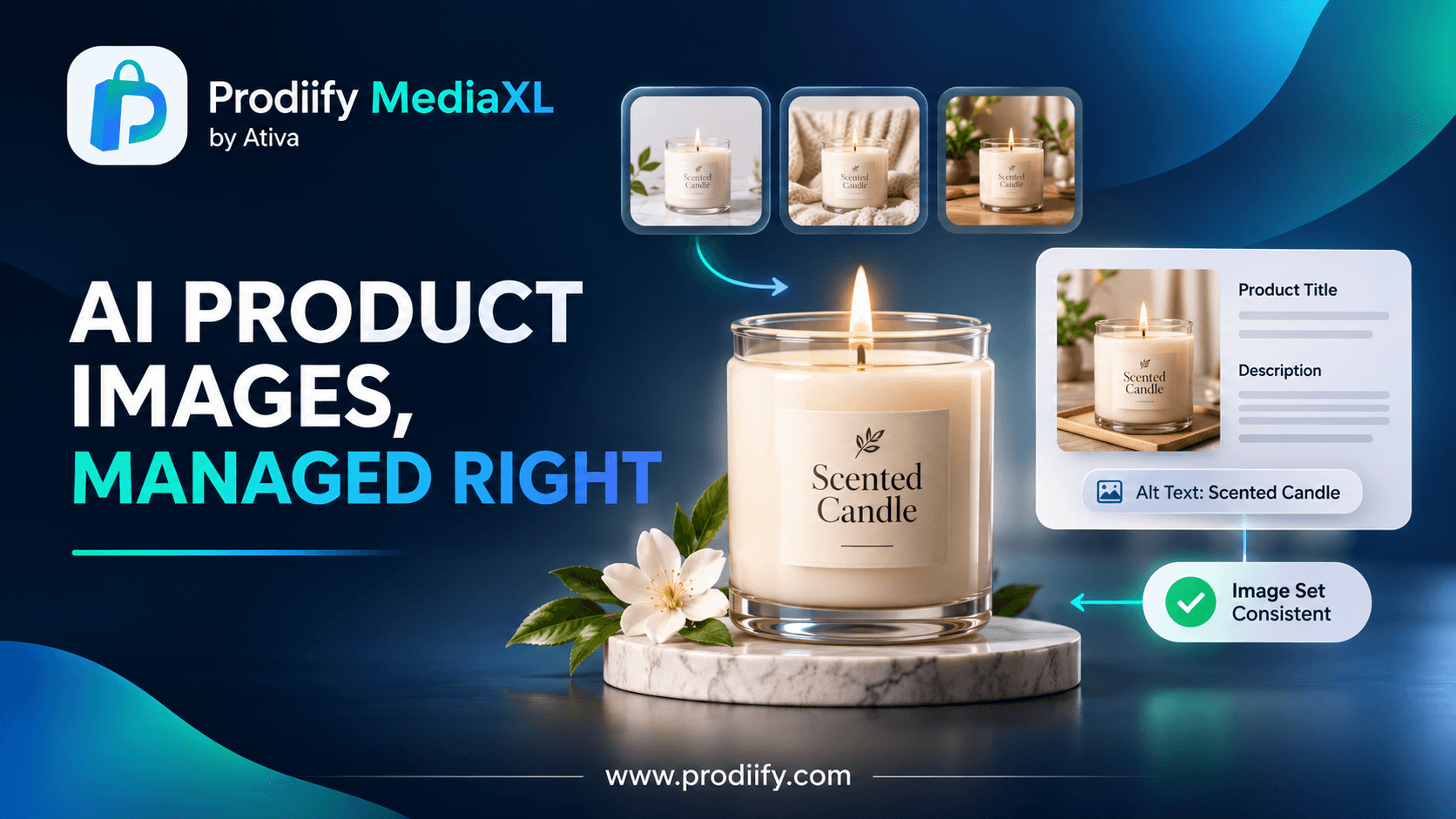
An AI product image generator can make weak photos look professional, but the stores that win treat images as part of their product data, not as decoration.
Meet Maya. She sells hand-poured candles from a small studio, and she is good at it. Her scents are thoughtful, her packaging is lovely, and her customers write kind reviews.
Her product photos, though, were taken on a kitchen counter, on different days, in different light. Six candles, six different looks. Nothing is wrong with any single photo, but together the store feels unfinished. (Maya is imaginary, but her situation is one many small sellers will recognize.)
Then she tries an AI product image generator. A clean version of her best photo comes back in a minute. A second one shows the candle on a shelf next to a book. For the first time, the catalog looks like one brand.
Here is the part that matters, and the reason this post exists: the tool did not fix Maya’s store. How she managed what came next did.
The Photo Problem Nobody Budgets For
Most sellers know images matter. Fewer plan for how much work a catalog of good ones takes: shooting, editing, naming, resizing, writing alt text, keeping every product consistent when new ones arrive.
That is why AI image tools are so appealing. As one ecommerce publication describes it, a generator lets a seller upload a single reference photo and produce cleaner, listing-ready images without arranging a new shoot. For a small team, that can close a gap that used to need a studio.
Start From the Truth
There is one rule that separates sellers who benefit from these tools from sellers who regret them: begin with an honest picture of the real product.
One workflow guide puts it plainly: the best approach starts with a truthful original image, makes only necessary edits, and checks every final file for accuracy, clarity and page performance.
That is the rule Maya follows. Her candle is a creamy off-white, so the generated version must be creamy off-white, not a glossy studio white. The label must say what the real label says. The jar must be the size it really is. If a shopper opens the box and thinks “this is not what I saw”, no beautiful picture will save the sale, or the review.
A seller-focused guide suggests a short review before publishing, comparing color, label, logo, edge quality, shadow, material, scale, crop, alt text, filename and page context. You do not need a ten-point ritual for every image, but it is a good habit to keep.
Images Are Product Data
This is the idea I would most like you to take away. We tend to file product images under “design”. But an image behaves much more like data: it has to be accurate, consistent, labeled and kept up to date, just like a title or a price.
Think about everything attached to one picture. There is a file name, alt text for shoppers who cannot see it, the page it sits on, and the variant it represents. Our guide to Shopify image alt text goes into the alt text part, and it is worth the few minutes, because a generated image with no description is only half finished.
An image also needs to agree with the words around it. If the title says “8 oz soy candle” and the picture shows a much larger jar, someone will notice. That is why clear titles and descriptions matter just as much as pictures. See Shopify product title SEO and enhanced product descriptions on Shopify for the written side.
Be Honest About AI, Too
Rules about AI-made images are still settling. One 2026 legal guide notes that platforms phrase their rules differently, with Amazon anchoring on accuracy, Etsy on explicit AI disclosure and Google Shopping on feed metadata, but all converging on the same two questions: does the buyer understand what they are looking at.
On disclosure, one guide suggests it is best practice to disclose when AI generates the entire image, though it is not strictly required when AI fills the scene around a real product. It also notes that some jurisdictions are moving toward requiring it. Rules vary by country and platform, so check the policies of the places you sell, and when in doubt, be open about it. I am not a lawyer, and this is not legal advice.
What to Generate First
You do not need fifty images. Most stores do well with a clear hero image and a few supporting ones. As one tool’s guide puts it, there is no universal winner, and many stores benefit from a clear product hero image plus lifestyle images that show the product in use, though fashion often needs model shots and technical products often need detail photos. Test what works on your own traffic.
For Maya, that meant three images per candle: a clean front view, a calm lifestyle scene and a close-up of the wax and wick. Same style across all six scents.
Where Product Management Comes In
This is where an AI product image generator stops being a clever trick and becomes part of how you run the store.
Good product management is simply keeping everything about one product in order: the title, the description, the tags, the images, the alt text. When those live in one place and get updated together, you avoid the usual mess of mismatched photos, outdated descriptions and missing details.
That is the idea behind Prodiify. The AI SEO app for Shopify stores lets you work product by product, helping you write and refine titles, descriptions and meta content, and create AI images, so each product’s content is handled together rather than scattered across tools. As always with AI, review the result before it goes live. For the page layout itself, Prodiify MediaXL adds drag-and-drop blocks (Banner/Hero, Image + Text, Feature List, Gallery, Video and Carousel) to product pages, with no theme edits and no code.
If you are curious how richer pages compare to marketplace listings, we explored that in Shopify vs Amazon product pages, and the idea behind them in A+ Content for Shopify. For a broader look at making a page persuasive, see Shopify product page design.
Images Help Search and AI Shopping, Too
Clear, accurate images and descriptions help people, and they also help the tools that increasingly recommend products. If you want to see whether that is working for you, try our free test in how to check if ChatGPT recommends your products. To go deeper, read Shopify AI search optimization for ChatGPT, how to get your Shopify products in ChatGPT and Shopify agentic commerce.
For the foundations, our Shopify SEO checklist, these Shopify SEO tips and the Shopify technical SEO checklist cover the basics. If you are tempted to stuff keywords into descriptions or alt text, read keyword stuffing on Shopify first. And for drafting copy faster, try an AI product description generator for Shopify, a Shopify product description generator or these ChatGPT prompts for Shopify product descriptions.
A Small Experiment for This Week
Pick one product. Take your best real photo. Create one clean version and one lifestyle version, and compare them to the real product honestly. Write alt text for each. Publish, and leave a similar product unchanged for comparison.
Give it a few weeks, then look at the numbers. One test on one product tells you more than any list of tips.
FAQs- AI Product Image Generator
1.Can an AI product image generator replace a photoshoot?
For some products and stages, it can cover a lot of ground, but it works best starting from real photos of the real product. Many sellers use it to supplement photography, not to replace it entirely.
2.Do I have to say an image is AI-generated?
It depends on the platform and where you sell. Some guidance suggests disclosure is best practice when AI creates the whole image, and some jurisdictions are moving toward requiring it. Check the rules for each place you sell, and when unsure, be transparent.
3.What size should product images be?
One tool guide notes that Shopify generally recommends high-resolution square photos, often 2048 x 2048 pixels, compressed for speed. Check Shopify’s current guidance for your theme.
4.How do I keep images consistent across a catalog?
Choose a style (background, lighting, angle) and apply it to every product, then review each image against the real item before publishing.
An AI Product Image Generator Works Best When You Manage Your Products Well
Maya’s store did not improve because an AI tool made pretty pictures. It improved because she started from the truth, kept every image consistent with its title and description, and treated visuals as part of the product, not an afterthought. That is the part no tool can do for you, and the part that makes the tool worth using.