
Shopify Duplicate Meta Titles- Why They Happen and How to Fix Them
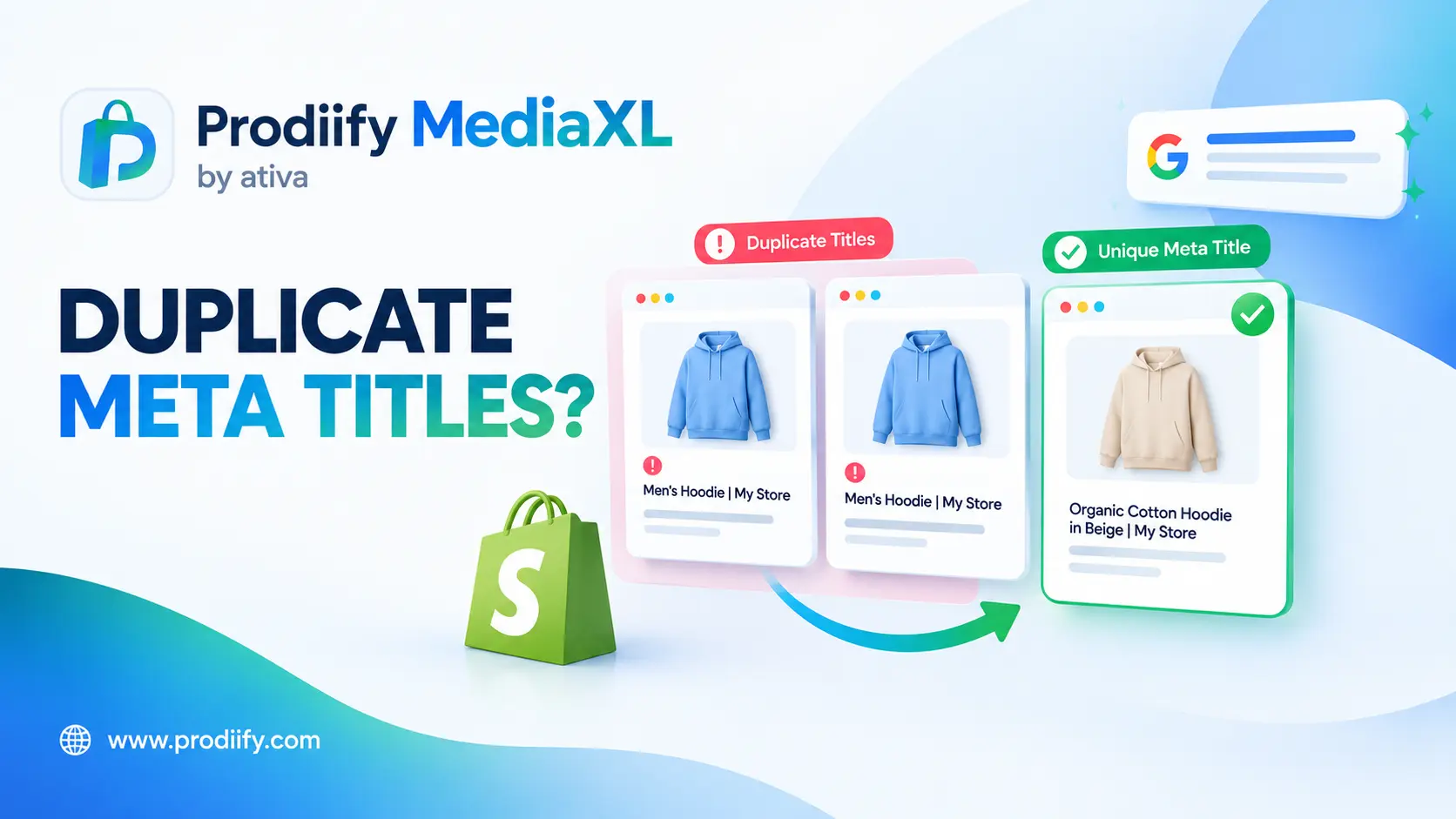
Shopify duplicate meta titles are one of the most common warnings in SEO audits, and usually one of the easiest to clear.
You run an SEO scan, and the report says 13 pages have duplicate metadata. You have not copied anything. Your products are different. So what is going on?
In most cases, Shopify duplicate meta titles are not caused by lazy writing. They come from how the platform generates pages: paginated collections, product URLs inside collections, tag pages and blank SEO fields. This guide explains each cause, how to find the duplicates and the order to fix them in.
What Is a Meta Title, and Why Does Duplication Matter?
A meta title (also called a title tag or SEO title) is the headline that appears for your page in search results and in the browser tab. By default, Shopify builds it from the page title. As one guide notes, by default Shopify pulls the product title into the title tag, then appends the store name.
When many pages share the same title, search engines and shoppers cannot tell them apart. That makes it harder for the right page to show for the right search, and it wastes a chance to describe each page clearly. Duplicate titles also flag a deeper issue worth checking: duplicate content. Our Shopify technical SEO checklist covers more of those checks.
Where Duplicate Titles Come From
Here are the five most common sources, with what to do about each.
| Cause | Where it shows up | Typical fix |
|---|---|---|
| Paginated collections | /collections/shoes?page=2, ?page=3 | Add the page number to the title, or use canonicals or noindex |
| Product URLs inside collections | /collections/summer-sale/products/yellow-shorts | Check that canonical tags point to the main product URL |
| Tag pages | Filtered tag URLs such as /collections/all/tag | Review and noindex or remove pages you do not need |
| Blank or default SEO titles | Products with no custom title | Write a unique SEO title for each |
| Same title on similar products | Near-identical items with copied titles | Make titles specific to each product |
1. Paginated Collection Pages
This is the big one. A merchant on the Shopify Community asked why Bing flagged duplicate titles on pages 1, 2 and 3 of every collection. A Shopify Community reply explained that this is normal behavior: by default Shopify uses the same title for all paginated collection URLs, so Bing detects them as duplicates.
2. Products Reachable Through Collections
On Shopify, a product can be reached through its main URL and through a collection path. One guide explains that product URLs under /collections/…/products/ can duplicate the original product page. A common companion issue, according to another source, is that a product that appears in more than one collection or uses multiple tags can be reached through different URLs.
The good news: most Shopify pages, such as products and collections, come with built-in canonical tags by default. The fix is mostly to confirm they are working, especially after theme or app changes.
3. Tag Pages
Tags on products and blog posts can generate their own pages. One agency explains that product tags create separate category pages listing every product in that tag. If those are indexed and share titles, they will show up as duplicates.
4. Blank or Default SEO Fields
If you never fill in the Search engine listing section, Shopify falls back to defaults. For stores with similar product names, this produces repeated titles. Our guide to Shopify product title SEO shows how to write a unique one for each product.
5. Apps and Theme Code
Sometimes the cause is code you did not write. One Shopify Community responder suggested the issue may stem from previously installed apps that modified meta tag code, and recommended a code audit to find conflicting tags.
How to Find Duplicate Meta Titles
You do not need to guess. Use these in order:
- Google Search Console. Check the Pages report for duplicate and canonical issues. One guide recommends using it to spot duplicate pages.
- Bing Webmaster Tools. Bing flags duplicate titles clearly, as the community example above shows.
- An SEO crawler. The merchant in the community thread used Ubersuggest, which reported 13 pages with duplicate meta data. Any site crawler will give you a list.
- A quick search operator. Type
site:yourstore.com/collections/all/into Google to see tag-style pages that may be indexed. This tip comes from the Go Fish Digital guide.
Export the list into a spreadsheet and group the URLs by type (collections, pagination, products, tags). That tells you which fix to apply to each group.
Your Fix Plan for Shopify Duplicate Meta Titles
Work through Shopify duplicate meta titles in this order, from the highest impact to the lowest.
1. Write a unique SEO title for every product– Open each product, scroll to Search engine listing, and write a title that says what the product is. Start with your top sellers. Aim for roughly 50 to 60 characters, as suggested in community advice. Make sure similar products do not share the same wording.
2. Give collections unique titles and descriptions– For duplicate descriptions across collection pages, the Shopify Community guidance was to manually add unique meta descriptions for each paginated collection page via Edit website SEO in Shopify admin.
3. Handle pagination– Community responders offered three routes:
- Dynamic titles that include the page number, such as “Baby Girl All – Page 2”.
- Canonical tags that point to page 1.
- Noindex on paginated URLs, which one responder called the cleanest approach.
A common snippet shared by community members appends the page number to the title tag in your theme code: {% if current_page > 1 %} - Page {{ current_page }}{% endif %}. Back up your theme before you edit it, and test the result on a duplicate copy first. If you are not comfortable with code, ask a Shopify expert or your theme developer.
4. Review tag pages and old collections– Remove or noindex tag pages and outdated collections that no longer serve a purpose. One guide advises to check newly created tags and collections before publishing and audit canonical tags after theme updates.
5. Audit apps and theme code– If you find conflicting tags, review recently installed or removed apps. If a theme developer made custom edits, ask them to check.
6. Re-check after a few weeks– Search engines need time to recrawl. Run the same scan again and compare.
Common Mistakes When Fixing Duplicate Titles
- Changing titles to random variations just to look different. Each title should describe its page clearly.
- Stuffing keywords. See our guide on keyword stuffing on Shopify for what to write instead.
- Editing theme code without a backup.
- Changing a URL handle without a redirect. If you change a handle, use the redirect Shopify offers.
- Ignoring blog tags, which can also create duplicate pages.
- Assuming it is a theme bug. As the community reply noted, it is usually normal Shopify behavior that needs a configuration choice.
Better Titles Come From Better Page Content
Unique titles are easier to write when each page has clear, unique content behind it.
- Write descriptions that answer shopper questions. Our guide to enhanced product descriptions on Shopify shows the format. To draft faster, use an AI product description generator for Shopify, a Shopify product description generator or these ChatGPT prompts for Shopify product descriptions.
- Describe images properly. See our guide to Shopify image alt text.
- Cover the basics in our Shopify SEO checklist and these Shopify SEO tips.
- Make the page convince. See our guide to Shopify product page design. If you sell on marketplaces too, Shopify vs Amazon product pages shows where the gap tends to appear. To understand richer pages, read about A+ Content for Shopify or compare options in our Amazon A+ Content alternative for Shopify breakdown.
- Prepare for AI shopping. Clear, unique titles help AI tools understand what you sell. Read our guides to Shopify AI search optimization for ChatGPT, how to get your Shopify products in ChatGPT, how to check if ChatGPT recommends your products and Shopify agentic commerce.
Get Help Writing Unique Titles, Product by Product
Writing a distinct title for every product takes thought. Prodiify helps here. The AI SEO app for Shopify stores helps you write and refine titles, descriptions and other product content one product at a time, so you start from a draft rather than a blank box. For the visual side of your page, Prodiify MediaXL adds drag-and-drop blocks (Banner/Hero, Image + Text, Feature List, Gallery, Video and Carousel) to product pages, with no theme edits and no code.
A 20-Minute Audit You Can Do Today
- Run a free crawl or open Search Console and Bing Webmaster Tools.
- Export the duplicate titles and group them by type.
- Fix your top ten products first with unique SEO titles.
- Decide your approach for paginated collections: page numbers, canonicals or noindex.
- Re-run the scan in a few weeks.
FAQs About Shopify duplicate meta titles
1.What causes Shopify duplicate meta titles?
The most common causes are paginated collection pages that share one title, product URLs reachable through collections, tag pages, blank SEO fields and conflicting app or theme code.
2.Do Shopify duplicate meta titles hurt SEO?
They make it harder for search engines to tell your pages apart and waste a chance to describe each page clearly. Treat them as a signal to review your page structure, and fix the ones on your most important pages first.
3.Is it a theme problem?
Usually not. As a Shopify Community reply explained, it is normal behavior in Shopify for paginated collection URLs to share one title, so it needs a configuration choice rather than a new theme.
4.Should I use canonical tags or noindex for paginated pages?
Both are options. Canonical tags point search engines to the main page, while noindex keeps paginated URLs out of search results. Community responders described noindex as the cleanest approach, but the right choice depends on your store, so test what works for you.
5.How often should I check for duplicate titles?
Run a scan after theme updates, app installs and large catalog changes, and at least once every few months.
Conclusion: Fixing Shopify Duplicate Meta Titles Starts With the Pages That Matter Most
You do not need a full technical overhaul to clear Shopify duplicate meta titles. Find the duplicates, group them by cause, and fix your top sellers and main collections first. Unique, clear titles help search engines and shoppers understand each page, and they are one of the cheapest improvements you can make.