
Shopify Product Variants SEO- One Product or Many?
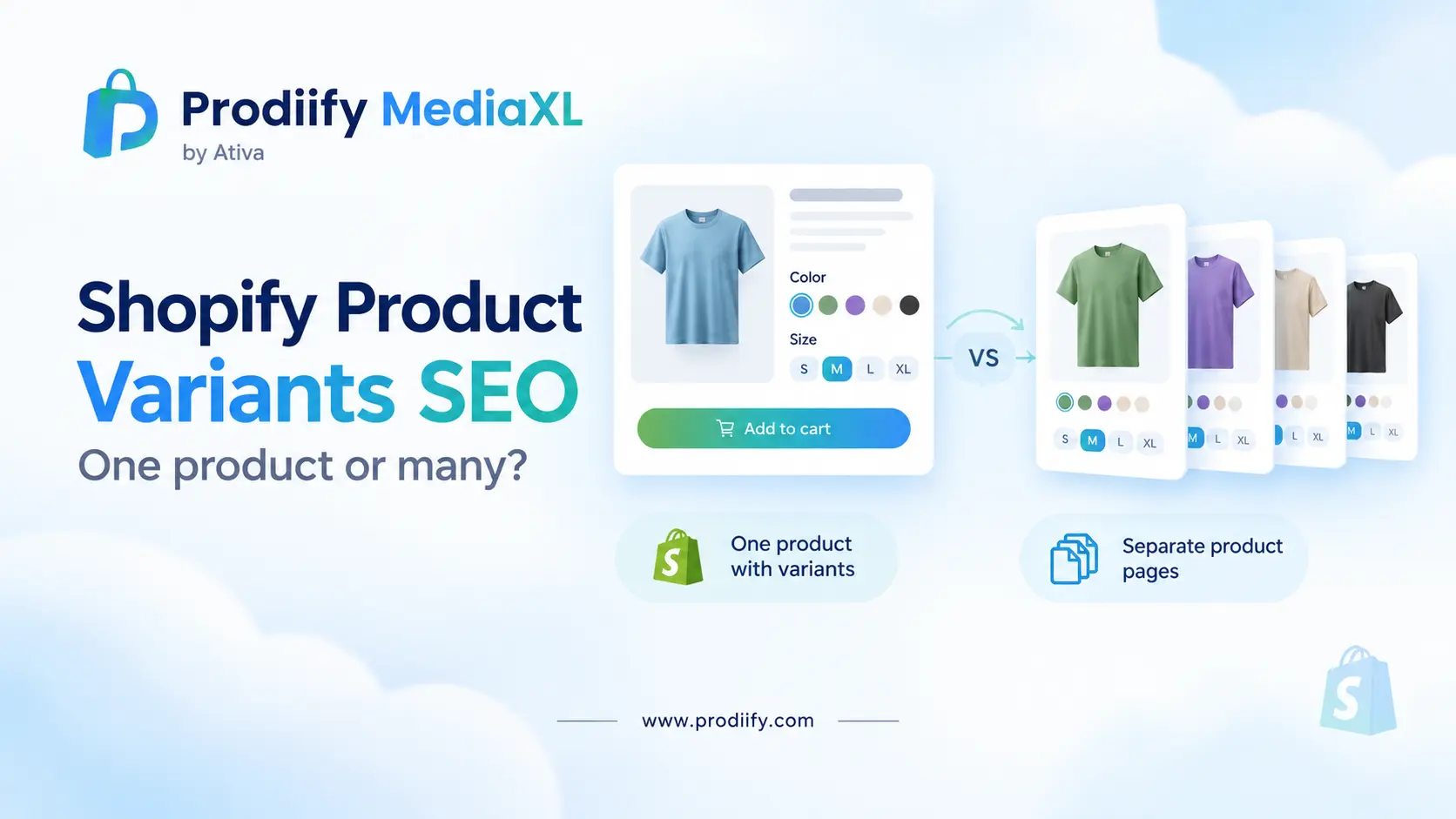
Shopify product variants SEO comes down to one question: does each color or size deserve its own page, or does it belong on one strong one?
Picture a t-shirt that comes in 40 colors. Do you create one product with 40 variants, or 40 separate products? One SEO guide puts it simply: the answer changes your entire SEO footprint on Google.
Merchants argue about this constantly, and both choices can go wrong. Stores with thousands of separate near-identical products suffer from thin content, while stores that cram genuinely different items into variants miss searches they could win. This guide gives you a clear way to decide, a quick check of your own store and a plan for fixing what you have. Getting Shopify product variants SEO right starts with understanding how Shopify treats them.
Product, Option and Variant: The Basics
Shopify uses three terms:
- Product– the parent page shoppers land on (the T-shirt)
- Option– a choice such as Color or Size
- Variant– one specific combination (Black, Medium)
As one guide describes it, “T-Shirt” is the product, “Color” and “Size” are options, and “Black, Medium” is the variant. In the standard model, one product can have up to 100 variants, with each variant a combination of up to 3 options. Shopify has reportedly raised that ceiling in recent updates, so check Shopify’s current documentation for your plan.
How Variants Show Up in Search
When a shopper picks “Red, Size 10”, Shopify can add a ?variant= parameter to the URL. What Google does with those URLs depends on the canonical tag, and here sources disagree:
- One decision guide says Shopify sets a rel=”canonical” tag on every variant URL that points back to the parent product, so Google consolidates them into one indexed page.
- An agency guide claims the opposite: that by default Shopify canonicalizes each variant URL to itself, not to the base product URL.
Themes and versions can differ, so do not take either on faith. Check your own store, which takes two minutes:
- Open a product page and pick a non-default variant, so the URL shows
?variant=.... - Right-click the page and choose View page source.
- Search the source for
canonical. - Look at the
href. Does it show the clean product URL (/products/your-product) or the variant URL?
If it shows the variant URL, ask a developer to point it to the base product, since the same agency guide recommends that fix. Back up your theme before any code edit.
Variants or Separate Products- The Trade-Off
| One product with variants | Separate products | |
|---|---|---|
| Pages | One strong page | One page per product |
| Ranking focus | Concentrates links, reviews and authority | Can target distinct searches |
| Content risk | Low | Thin or near-duplicate content if descriptions are copied |
| Shopper experience | Easy comparison on one page | Easier discovery of distinct items |
| Analytics | Traffic rolls into one product | Per-URL data for each product |
| Limits | Variant caps apply | No variant limit per product |
An agency guide summarizes the strategy: one URL concentrates attention, while separate products can target more specific search intent.
When Variants Are the Right Choice
Keep products together when the differences are cosmetic or operational. One guide recommends variants when the differences are mostly cosmetic or operational, such as color, size or minor material changes. Good signs:
- It is fundamentally the same item- The options are just choices.
- Reviews should stay together– A decision guide lists products where reviews consolidate on one listing and social proof drives conversion as a good fit.
- No separate search demand– The same guide notes that a “32oz water bottle” vs a “24oz water bottle” rarely has separate search volume.
When Separate Products Make Sense
Split when a variant has its own audience or its own story. The same guide recommends separate indexable URLs only for variants with distinct search demand or unique content. Good signs:
- Shoppers search for it by name. “Navy trail running shoe” may have real demand.
- You can write genuinely different content. Different description, images and use case.
- You have outgrown the variant limit.
- You want per-URL performance data.
A guide on separate products explains the benefit: each separate product is a new ranking opportunity with its own on-page SEO signals.
And the risk: splitting 200 products into 4,000 separate color variants, each with nearly identical descriptions, is a thin content signal.
A Real-World Example
A question from the Moz forum captures the dilemma: a store with 10 hat models, each in 5 colors. Option A is 50 separate products, one per color. Option B is 10 products with 5 color variants each.
- Option B is more organized and avoids duplicate content, but it can lose color-specific searches. As the poster worried, a customer looking at a “red hats” collection may only see the default variant.
- Option A captures color searches, but creates 50 near-identical pages unless each one gets its own images, copy and title.
A sensible middle path for most stores: keep everything as variants, then split out only the colors or models people actually search for, and give each its own title, description and images.
What About Combined Listings?
Shopify’s Combined Listings feature tries to give you both. One guide explains that child products appear as separate cards on collection pages with their own images, URLs and SEO metadata. That means unique titles per color while shoppers still see the group together. Availability and setup may depend on your plan, so check Shopify’s documentation before relying on it.
Your Action Plan for Shopify Product Variants SEO
A clear Shopify product variants SEO plan fits into an afternoon for your top products.
- Check your canonical tags on a variant URL, using the two-minute test above.
- List your best sellers and note how their variants are set up.
- Sort each product: is it one item with options, or genuinely different items?
- Find real search demand. Check whether people search for specific colors or models before splitting anything.
- Name your options clearly. “Navy / Large” is better than “Option 1”.
- Add variant images with distinct alt text, such as “Navy leather wallet, open to show card slots”. See our guide to Shopify image alt text.
- Write unique content for any split-out product. Never copy the same description across near-identical pages.
- Review in a few weeks using Search Console and compare results.
Common Mistakes
- Making a separate product for every color by default
- Copying the same description across split-out products
- Cramming genuinely different items into one product as variants
- Vague option names that confuse shoppers and search engines
- Using one image for every variant
- Never checking what your canonical tags actually do
- Keyword stuffing in variant names. See our guide on keyword stuffing on Shopify.
If you also see repeated titles after splitting, read our guide to Shopify duplicate meta titles.
Variants Work Best With Clear Content
Whichever model you choose, each page needs clear, specific content.
- Write unique titles for each product. See our guide to Shopify product title SEO, and for the snippet, the Shopify product meta description guide.
- Write descriptions that answer shopper questions. Our guide to enhanced product descriptions on Shopify shows the format. To draft faster, use an AI product description generator for Shopify, a Shopify product description generator or these ChatGPT prompts for Shopify product descriptions.
- Make sure your collections point to the right pages. See Shopify collection page SEO.
- Cover the basics in our Shopify SEO checklist, these Shopify SEO tips and the Shopify technical SEO checklist.
- Make the page convince. See our guide to Shopify product page design. If you sell on marketplaces too, Shopify vs Amazon product pages shows where the gap tends to appear. To understand richer pages, read about A+ Content for Shopify or compare options in our Amazon A+ Content alternative for Shopify breakdown.
- Prepare for AI shopping. Clear product and variant information helps AI tools understand what you sell. Read our guides to Shopify AI search optimization for ChatGPT, how to get your Shopify products in ChatGPT, how to check if ChatGPT recommends your products and Shopify agentic commerce.
Get Help Writing Distinct Content, Product by Product
If you do split products, each one needs its own clear title and description so it does not look like a copy. Prodiify helps here. The AI SEO app for Shopify stores helps you write and refine titles, descriptions and meta content one product at a time, so each page starts from a draft rather than a blank box. Always review the result so it stays accurate. For the visual side of your product pages, Prodiify MediaXL adds drag-and-drop blocks (Banner/Hero, Image + Text, Feature List, Gallery, Video and Carousel), with no theme edits and no code.
FAQs- About Shopify product variants SEO
1.What is Shopify product variants SEO?
It is the practice of setting up colors, sizes and other options so search engines and shoppers understand them: choosing between variants and separate products, checking canonical tags, naming options clearly and adding distinct images and content where it matters.
2.Should I make each color a separate product?
Not by default. Keep colors as variants when the product is fundamentally the same and there is no separate search demand. Split a color out only if people search for it specifically and you can write genuinely different content.
3.Does Shopify create duplicate content from variants?
Variant URLs with a ?variant= parameter can look like duplicates unless the canonical tag points to the main product URL. Sources disagree on Shopify’s default behavior, so check your own store by viewing the page source on a variant URL.
4.How many variants can a Shopify product have?
The standard limit has been 100 variants with up to three options, although Shopify has reportedly raised it in recent updates. Check Shopify’s current documentation for your plan.
5.What are Combined Listings?
A Shopify feature that lets you keep separate products, each with its own URL and metadata, while presenting them together. Availability may depend on your plan.
Shopify Product Variants SEO Is About Matching Pages to Real Demand
You do not need to restructure your whole catalog. Check your canonical tags first, keep simple options as variants, and split out only the products that shoppers search for by name and that you can describe in a genuinely different way. One strong page almost always beats ten weak ones.