
Shopify SEO for New Stores: A Realistic 30-Day Plan
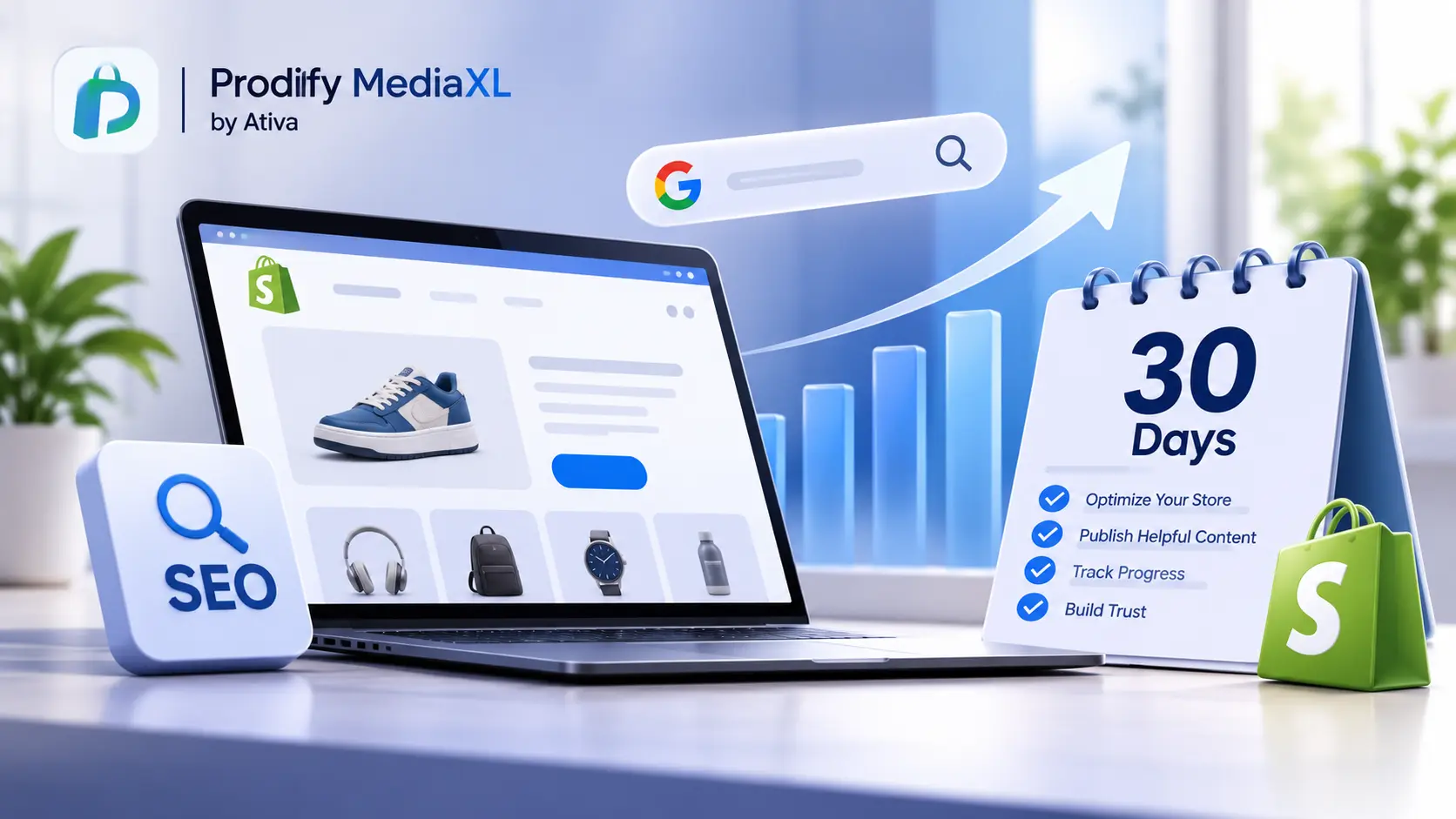
Shopify SEO for new stores is about building foundations in the first month, not winning rankings. Here is what to do, week by week, and what to expect.
You launched your store. Your products are live, and you have checked your Google results every morning. Nothing. A few impressions, maybe, and almost no clicks.
If that sounds familiar, take a breath: it is normal. SEO does not work like an ad. One seller listing on a freelance site puts it plainly: unlike other popular marketing channels, SEO does not work instantly.
The first 30 days are for setting things up properly so that Google can find, understand and trust your store. This guide gives you a four-week plan for Shopify SEO for new stores, and an honest picture of what results to expect.
What to Expect in the First 30 Days
Before the plan, a reality check on timing:
- Indexing takes days to weeks. One guide says it takes between four days to four weeks for a new site to be crawled and indexed by Google. Another says it can take anywhere from a few days to several weeks for Google to index new pages.
- Ranking takes longer. Guides commonly say that ranking on the first page for competitive keywords takes months of consistent work, not weeks.
- Early data looks thin. One Shopify Community poster described slow early traction, with 91 pages indexed in about two weeks out of roughly 3,200 total.
So the goal of month one is not traffic. It is to get indexed, fix your core pages and start building a foundation you can improve every month.
Your Week-by-Week Plan for Shopify SEO for New Stores
Here is the plan. Each week has a clear theme and a short list of tasks.
Week 1: Make Your Store Findable
This week is about making sure Google can reach your store at all.
- Remove password protection. If your store is still behind a password page, search engines cannot see it. Make sure it is off before you expect anything to be indexed.
- Set up Google Search Console. Create a property for your store and verify your domain. If you skip this step, you will have no data on how Google sees your store.
- Submit your sitemap. Shopify generates one for you. As one guide explains, Shopify automatically generates a sitemap for your store, which can be accessed at yourstore.myshopify.com/sitemap.xml. In Search Console, open Sitemaps, enter the URL and submit it. Do the same in Bing Webmaster Tools.
- Inspect your key pages. A Shopify Community reply recommends to set up Search Console, submit sitemap.xml, then inspect 5 to 10 key product and collection URLs, and fix indexing or canonical issues first. Use the URL Inspection tool to request indexing for your homepage, top collections and best sellers.
- Check indexing. Search
site:yourstore.comon Google. If results appear, your store is indexed. If not, give it some days after submitting.
For a deeper technical review, use our Shopify technical SEO checklist.
Week 2: Fix Your Core Pages
Now improve the pages that matter most: your homepage, your main collections and your top ten products. Do not try to perfect everything. Pick the pages shoppers are most likely to land on.
- Write clear product titles. Say what the product is and who it is for. See our guide to Shopify product title SEO.
- Write a unique meta description for each. See the Shopify product meta description guide.
- Replace thin or copied descriptions. Supplier text is the same on every competitor’s site. Our guide to enhanced product descriptions on Shopify shows the format.
- Add alt text to images. See Shopify image alt text.
- Set up your collection pages properly. Names, URLs, intros and unique titles. See Shopify collection page SEO.
- Avoid duplicates from the start. If similar products share titles, fix them. See Shopify duplicate meta titles.
If drafting is the slow part, Prodiify can help you move faster. The AI SEO app for Shopify stores helps you write and refine titles, descriptions and meta content one product at a time. Always review the result so it stays accurate. You can also draft with an AI product description generator for Shopify, a Shopify product description generator or these ChatGPT prompts for Shopify product descriptions.
Week 3: Add Helpful Content
Product pages alone rarely bring a new store its first visitors. Week three is about giving people (and Google) a reason to find you through useful content.
- Choose long-tail topics, not head terms. A new store will not outrank big brands for “leather wallets”. It has a better chance with specific searches such as “slim leather wallet for travel”. Think of the exact questions your customers ask.
- Publish two or three genuinely helpful posts. Buying guides, comparisons, care instructions or how-it-works pieces. Write them for a person, not a search engine.
- Link everything together. Link from your posts to relevant products and collections, and between related posts.
- Keep language natural. Do not stuff keywords. See keyword stuffing on Shopify.
- Get your structure right. If you sell colors and sizes, read Shopify product variants SEO. If you retire or rename products, read the Shopify 404 redirect guide.
Week 4: Build Trust and Measure
Search engines and shoppers both look for signs that a store is real and reliable.
- Complete the trust basics. About page, contact details, shipping and returns, privacy policy. Make them easy to find.
- Make the pages convince. See Shopify product page design. If you also sell on marketplaces, Shopify vs Amazon product pages shows where the gap tends to appear, and A+ Content for Shopify explains richer pages. To compare options, see the Amazon A+ Content alternative for Shopify guide.
- Earn a few genuine links and mentions. Claim your business profiles, list your store where it truly fits, and take part in communities by helping people, not by posting links. A handful of real, relevant mentions beats a hundred weak ones.
- Check your first data. Open Search Console and look at pages indexed, impressions, clicks and the queries you appear for.
- Plan month two. Use that data to decide which pages to improve next.
What to Track Each Week
| Week | What to check | What good looks like |
|---|---|---|
| 1 | Sitemap submitted, key pages indexed | No errors, pages start appearing in site: |
| 2 | Core pages updated | Top ten products have unique titles and descriptions |
| 3 | Content published | Two or three helpful posts, linked to products |
| 4 | Impressions and queries | Impressions growing, even if clicks are low |
Early on, impressions are the number to watch. They mean Google is showing your pages. Clicks usually follow later, once your pages move higher in results.
Mistakes New Stores Make
- Expecting rankings in weeks. Plan for months.
- Chasing big keywords. Start with specific, lower-competition searches.
- Copying supplier descriptions. They make your pages look identical to others.
- Stuffing keywords into titles and descriptions.
- Skipping Search Console. You cannot improve what you cannot see.
- Publishing and never revisiting. SEO rewards steady improvement.
- Leaving the store password-protected by accident.
Keep Going After Day 30
The first month sets the foundation. After that, a simple monthly rhythm works well: review Search Console, improve your weakest pages, publish a new helpful post and fix any issues. For ongoing guidance, use our Shopify SEO checklist and these Shopify SEO tips.
Shopping is also starting to happen inside AI assistants, and clear product information helps there too. See how to check if ChatGPT recommends your products, Shopify AI search optimization for ChatGPT, how to get your Shopify products in ChatGPT and Shopify agentic commerce. For richer product pages, Prodiify MediaXL adds drag-and-drop blocks (Banner/Hero, Image + Text, Feature List, Gallery, Video and Carousel) with no theme edits and no code.
FAQs- Shopify SEO for new stores
1.What is the first thing to do for Shopify SEO for new stores?
Make sure your store is not password-protected, then set up Google Search Console and submit your sitemap. Shopify generates the sitemap automatically at /sitemap.xml.
2.How long does it take for a new Shopify store to show up on Google?
Indexing often takes a few days to several weeks. Appearing for a search is different from ranking well, and competitive keywords usually take months.
3.do I have impressions but no clicks?
It is common for new stores. Your pages are being shown, but usually deep in the results, where few people click. Keep improving content and targeting more specific searches, and clicks tend to follow as pages move higher.
4.Should a new store start with a blog?
A few genuinely helpful posts targeting specific questions can help, but only if they are useful. Focus on core product and collection pages first, then add content.
5.Do I need a paid app for SEO?
No. Shopify provides the basics, including a sitemap and fields for titles and descriptions. Apps can save time, but they are not required.
Shopify SEO for New Stores Is a Marathon, So Build the Foundation First
You will not win page one in 30 days, and no honest plan promises it. What you can do is set your store up to be found, make your core pages clear and unique, publish a few helpful pieces and start reading your data. Do that, and month two starts from a far stronger place.